
Anthropic
Probo reads your Anthropic organization’s members through the Admin API so you can review who has access.
Prerequisites
Section titled “Prerequisites”- Probo organization administrator access
- The admin role in an Anthropic Claude Console organization (the Admin API isn’t available for individual accounts)
Collected Fields
Section titled “Collected Fields”| Probo field | Anthropic field | Notes |
|---|---|---|
| Name | name |
|
email |
||
| Role | role |
One of user, claude_code_user, developer, billing, admin |
| Admin | role |
Flagged as an administrator when role is admin |
| Status | Not supported | |
| MFA | Not supported | |
| Last login | Not supported | |
| External ID | id |
Stable identifier used to track the account across reviews |
| Created at | added_at |
When the member joined the organization |
Step 1: Create an Admin API Key
Section titled “Step 1: Create an Admin API Key”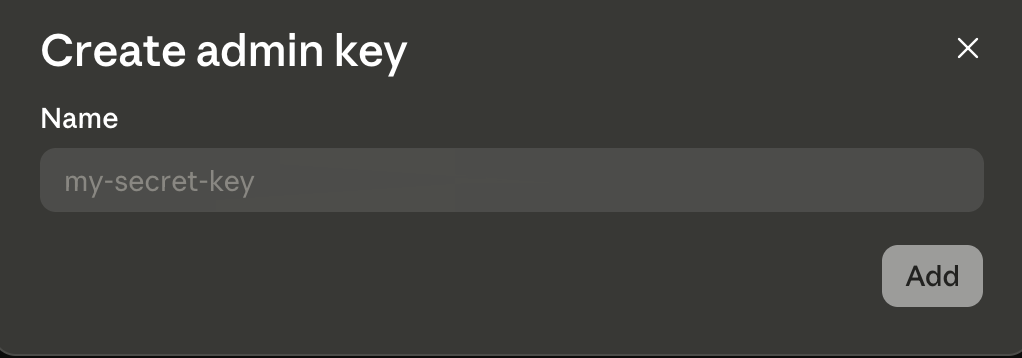
- In the Claude Console, go to Settings > Admin keys as an organization admin.
- Click + Create admin key, enter a name (e.g.
Probo Access Review), and click Add. Console admin keys have no scopes, so every key carries full Admin API access. - Copy the key (
sk-ant-admin01-…) and store it securely. It’s shown only once.
Step 2: Connect in Probo
Section titled “Step 2: Connect in Probo”- In Probo, go to Access Reviews > Sources > Add Source.
- Find Anthropic, click API Key, paste the key, and click Connect.
Probo names the source after your organization and pulls its members into your campaigns.
Troubleshooting
Section titled “Troubleshooting”- Key rejected. Confirm it’s a Console admin key (
sk-ant-admin01-…) created by an admin. A standard Console API key (sk-ant-api03-…) won’t work. - “Admin API unavailable for individual accounts”. Set up an organization in the Console under Settings > Organization first.